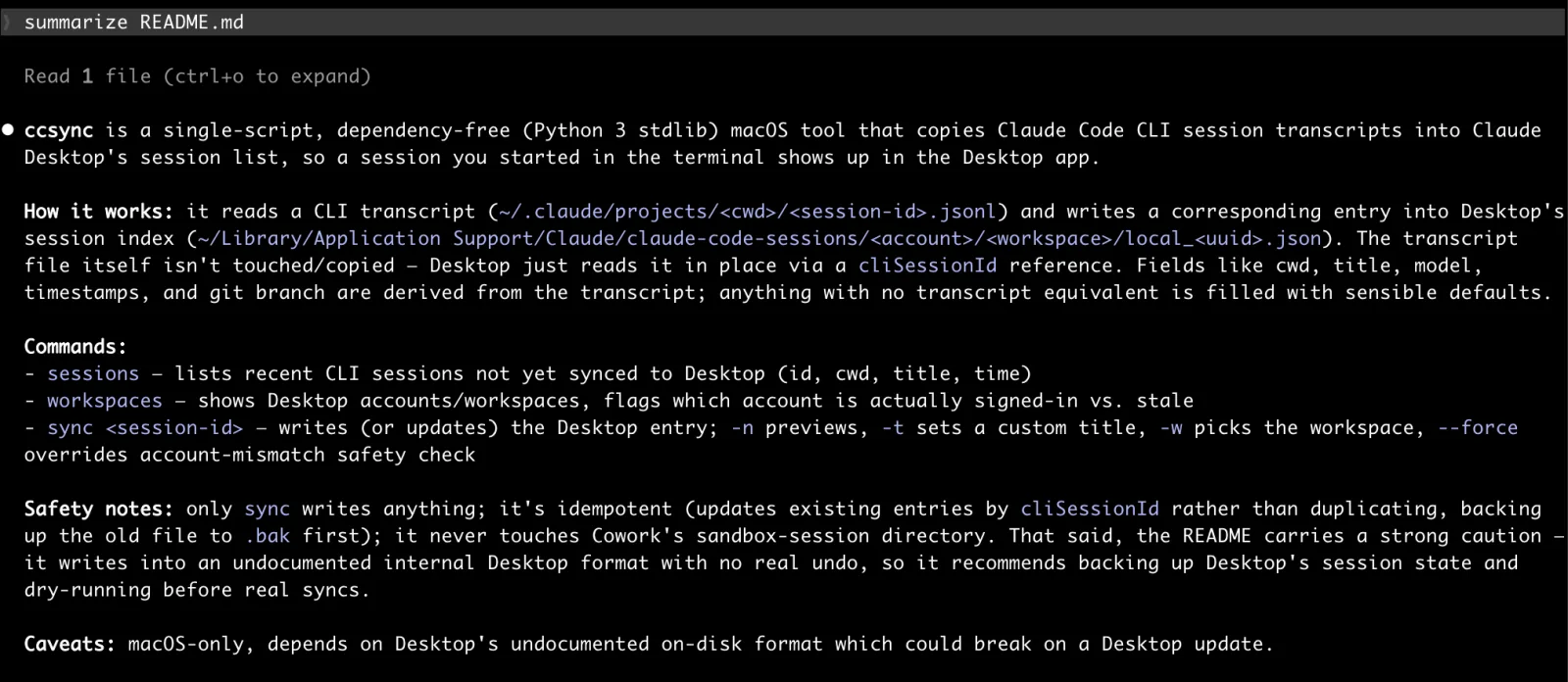
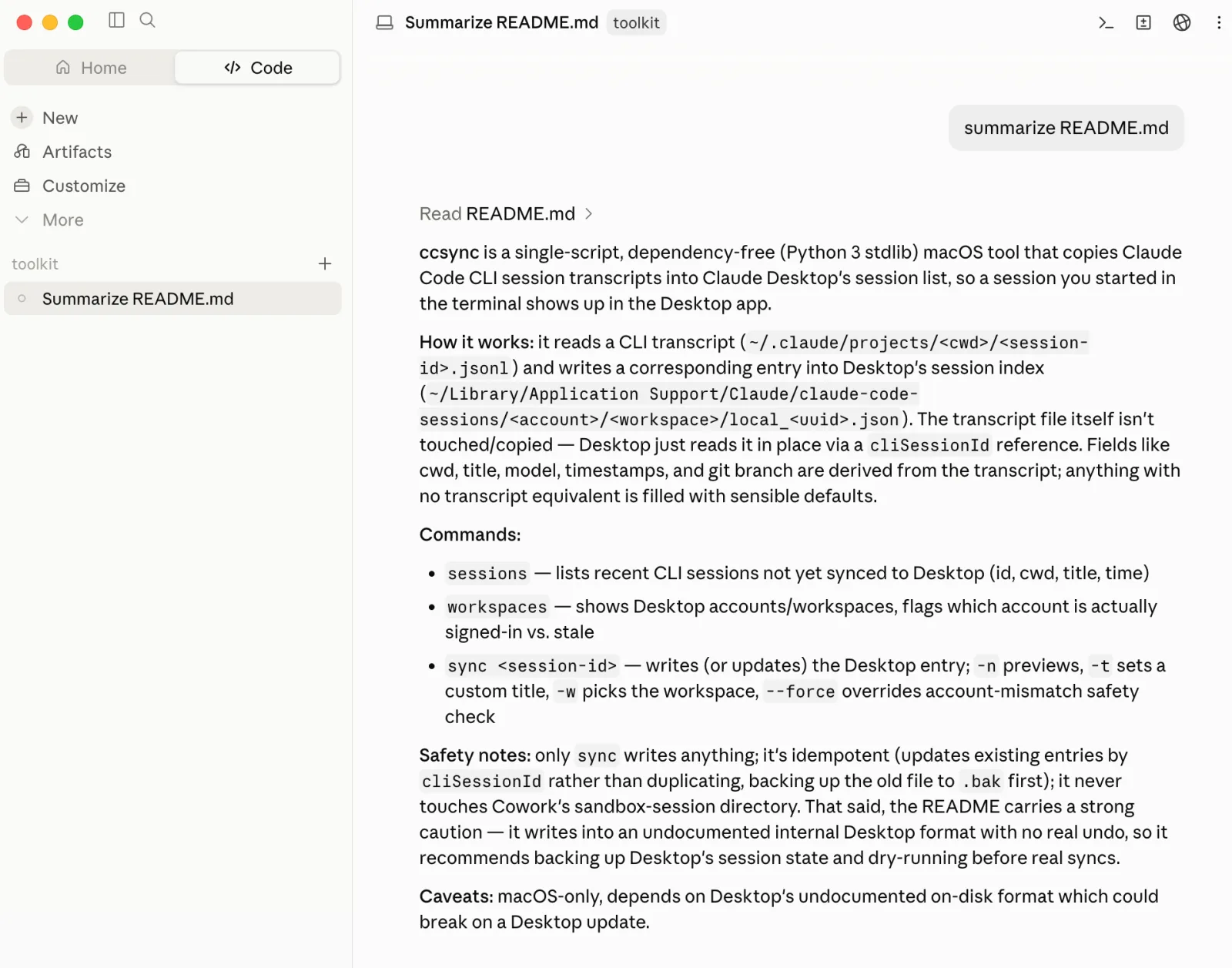
ccsync
A no-dependency Python script that syncs a Claude Code CLI session to Claude Desktop
People have been reporting missing session data when they relaunch Claude Code Desktop. Luckily, the underlying session data is still somewhere in ~/.claude/projects.
Keep it simple
$ ./ccsync.py sessions
  2026-08-06 10:20  86ff9d50-8c08-4f36-9a41-bf005ed5e52d  api-server  Fix flaky retry test
  2026-08-06 08:51  28cf085b-47c3-49f8-94cb-d820e03cb4bf  dotfiles    Add fish shell aliases

2 of 40 sessions not yet in Desktop
$ ./ccsync.py sync 86ff9d50-8c08-4f36-9a41-bf005ed5e52d
Wrote .../local_29494fdd-f005-411f-83cf-42856e136fc7.json
Restart Claude Desktop (or reopen the sessions list) to see the change.You can use ./ccsync.py workspace to list workspaces if you have multiple logins.
Word of caution
Back up your stuff! Don’t just run things you find on the internet! Feel free to ask your favorite LLM about the script before running.
That said, if you want to try it: backup the important directories, run with dry-run (-n), read what it says it’s about to write.
See it in action