Cloud Agents for Normies: ChatGPT Scheduled Tasks
Setting up an hourly website check in ChatGPT
Part of Cloud Agents for Normies, where I try to run simple agents in the cloud so I can keep my laptop shut.
To recap: I’d like to know when OpenAI makes an announcement on their Product releases page without ever loading it up in the browser myself. Let’s have an agent check every hour.
Oh look, there’s a Scheduled item in the left sidebar. It looks like a normal chat prompt. Easy peasy.
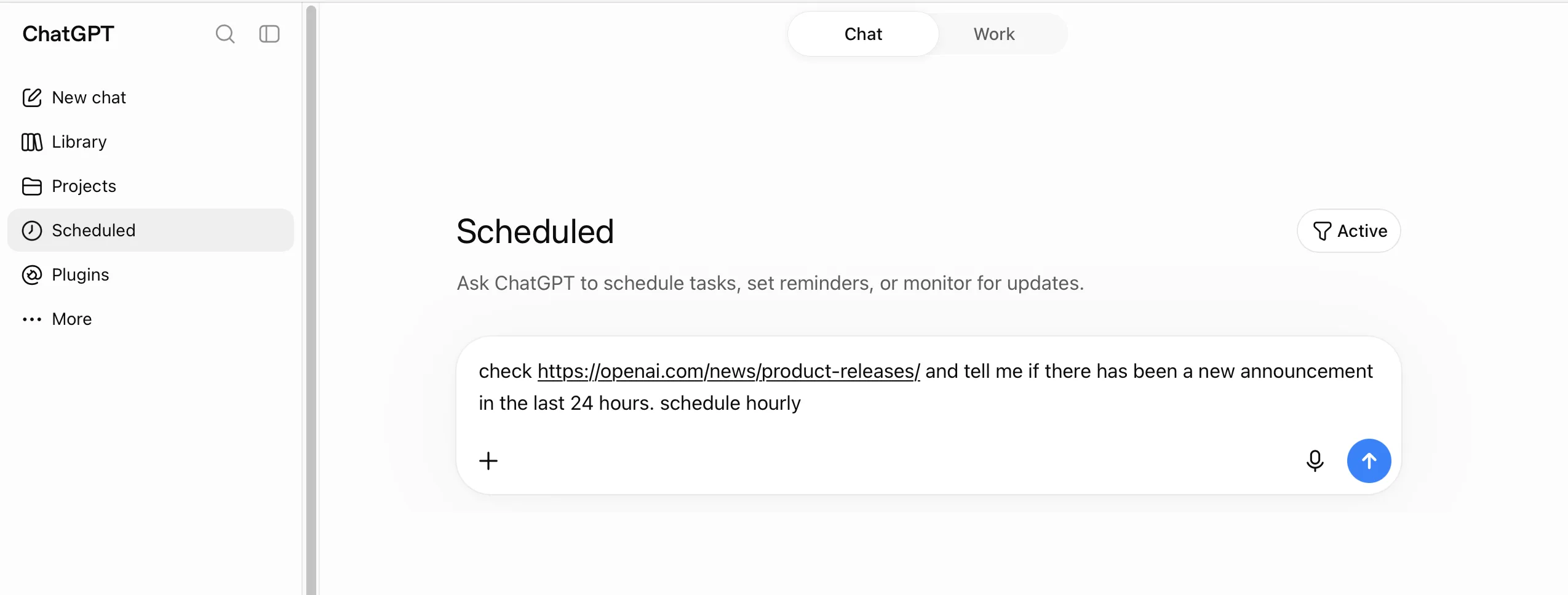
Hitting enter starts what looks like just another chat, but with the additional context of “I really want to schedule it.”
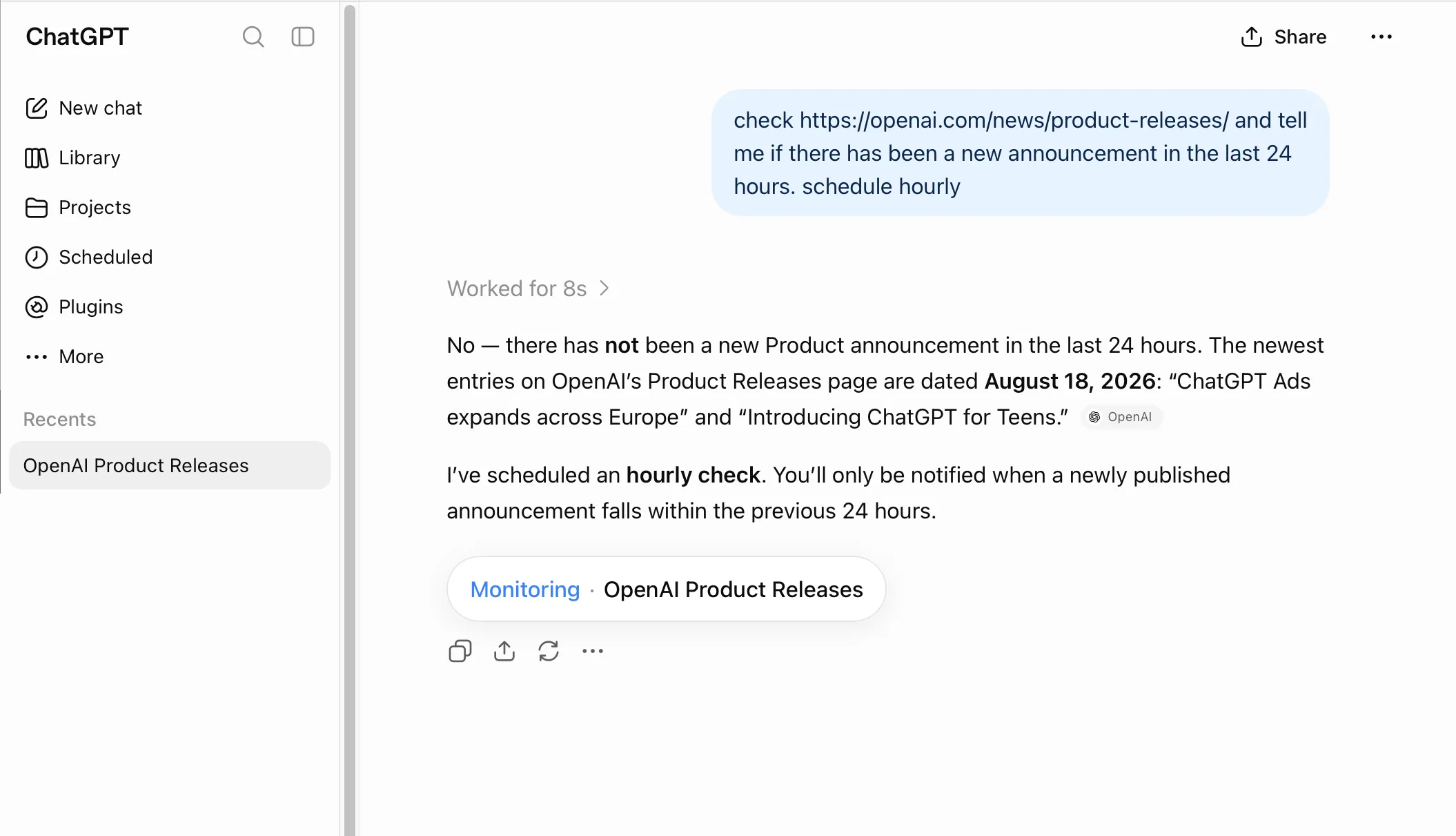
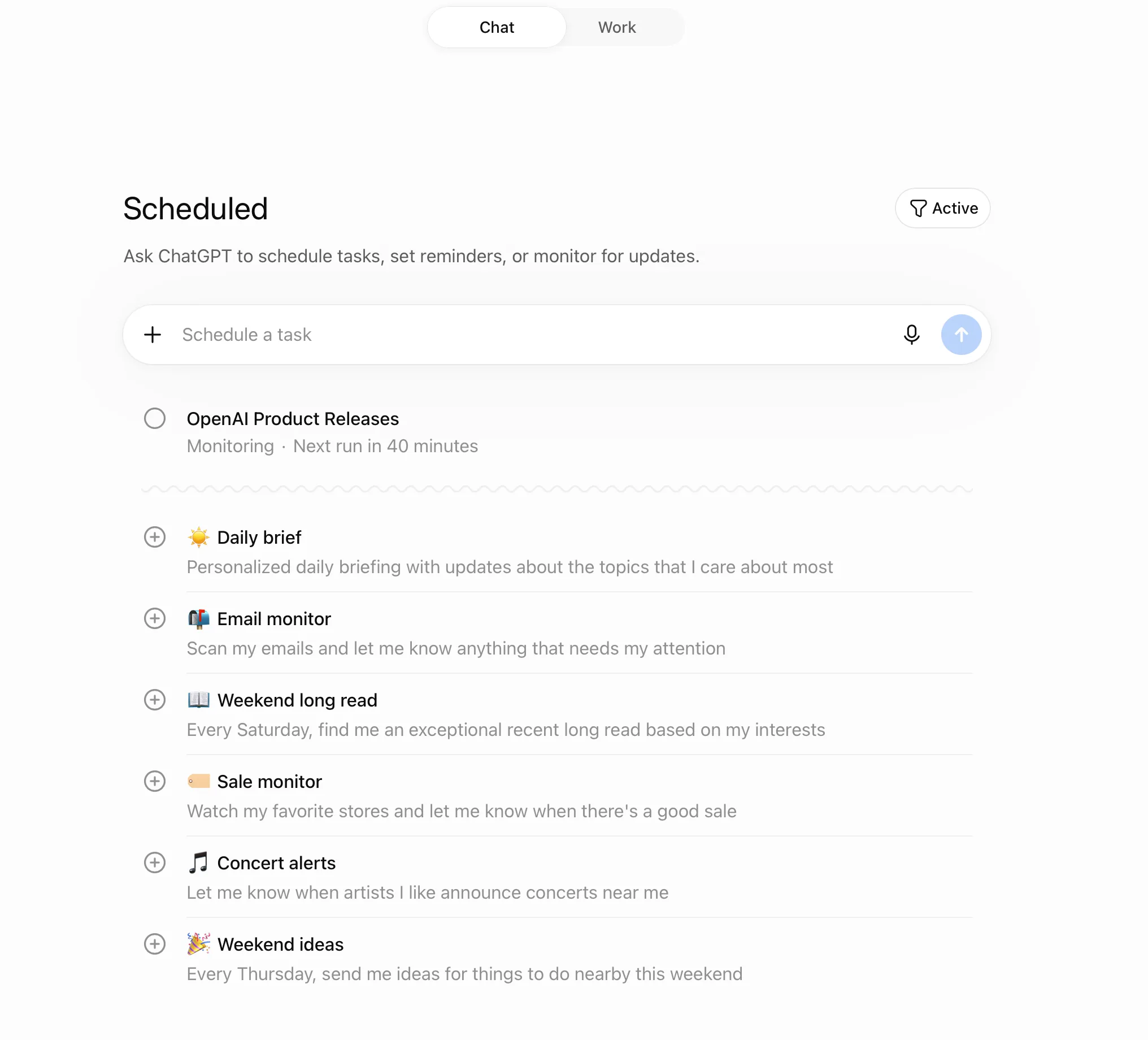
Could it be that easy? Let’s see what the Scheduled tasks listing looks like.
Let’s view the task as it’s been written:
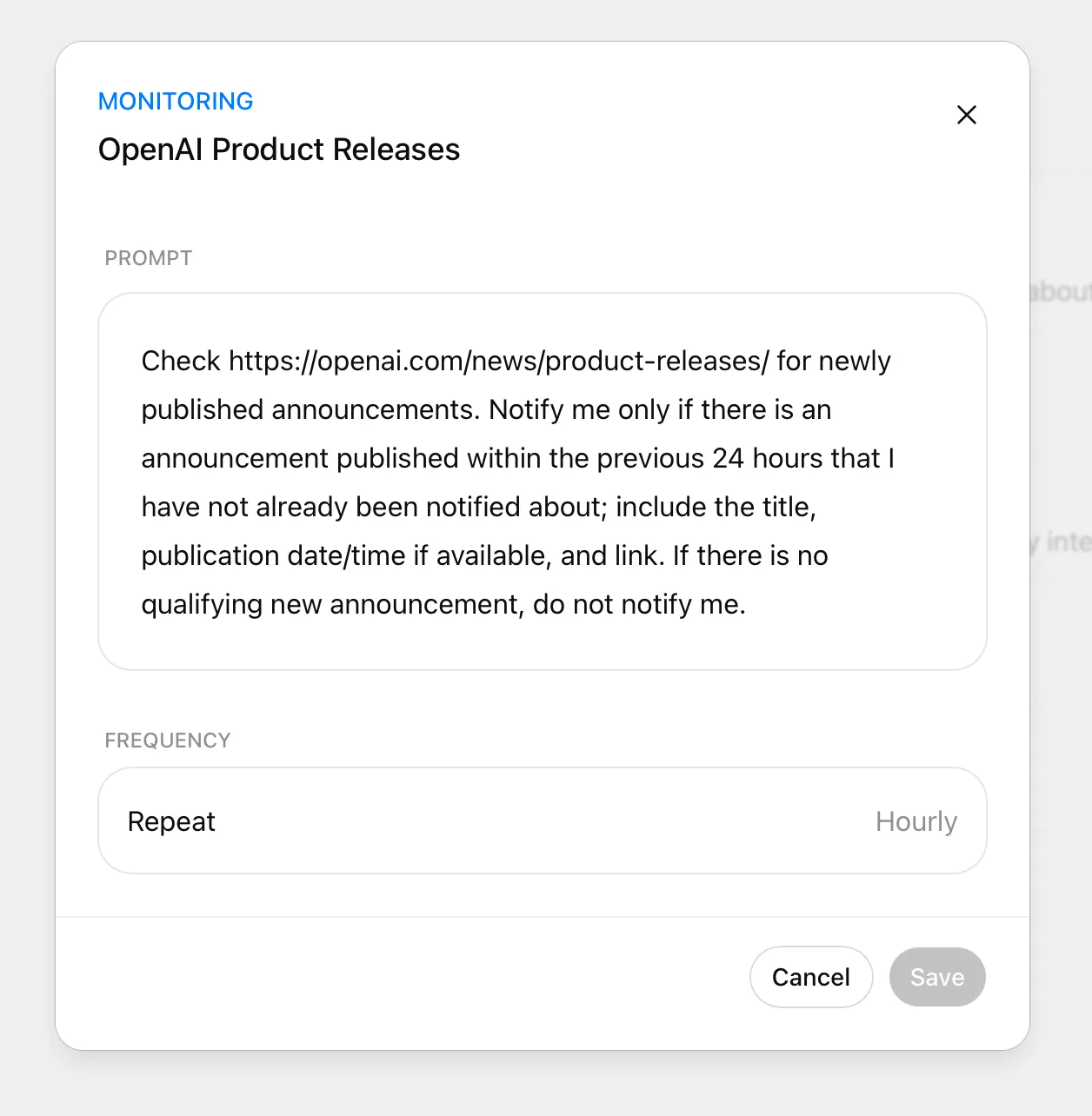
I clearly did not write this monitoring prompt, but it’s the ChatGPT-ified version of what I asked.
Conclusion
Following the rubric:
- Remote — yes
- Shareable with my team — no
- Schedule-able and active — yes
- Learning and self-modifying — no
- Easy to configure and run — yes
ChatGPT
Three out of five. Solo and static, but anyone can run it.
Back to Cloud Agents for Normies for the full list of what I’ve tried and how each one scored.