



LiteLLM Quickstart Notes
A mostly polished experience, about as good as could be
LiteLLM is a thing that is a couple of things:
- a python library that gives your code a single interface to like 100+ different provider models so you don’t have to write that code yourself (or really, so you don’t have to review the code that Claude writes)
- an AI gateway/proxy/router, um, thing (this thing does a bunch of things too, which seems to be a theme)
These notes are specifically about the gateway and more specifically about getting it running locally for testing, evaluation, etc. I’m not setting this up in production yet.
The quickstart
The quickstart asks you to curl and pipe to docker-compose:
curl -sSL https://docs.litellm.ai/docker-compose.yml | docker compose -f - up -dwhich, I mean, fine — not to brag, but I read yaml at a high-school level. For those that don’t, there’s some nice comments in the yaml that aren’t lies:
# LiteLLM quickstart stack: the gateway plus a Postgres database that stores
# models, virtual keys, and spend logs. Used by https://docs.litellm.ai/docs/proxy/docker_quick_start
#
# Start it directly:
#   curl -sSL https://docs.litellm.ai/docker-compose.yml | docker compose -f - up -d
#
# The credentials below are placeholders for local evaluation. Before any real
# use, download this file and set LITELLM_MASTER_KEY and LITELLM_SALT_KEY to
# long random values, and pin the image to a release tag instead of `latest`.
One of the classic Docker blunders
So the first thing I wanted to do was try and use LiteLLM to proxy to Argus’ MCP server. No super real reason other than I know this MCP and can test it pretty easily. First pass: no dice :(

Of course, I fell victim to one of the classic Docker blunders. The most famous of which is ‘never run docker inside of docker’ but only slightly well-known is this: ‘never try to connect to localhost when docker is involved’ (aka, ‘you keep using that word, i do not think it means what you think it means’).
localhost to my browser, is, of course, not localhost to litellm running inside of docker 🤦🏽♂️ (see the Docker Desktop networking docs for slightly more info).
A quick config change and voila! Connected!

host.docker.internal instead of localhost, and we’re connected. (Click for full size.)The auto-classification of the tools is interesting, if slightly incorrect (health_summary only shows up once in the interface — my dumb screenshot tool grabbed it twice when it scrolled).
Cool note here: you can toggle individual tools off/on here if you want.
Now to test this out
First things first:
cp ~/.claude.json ~/.claude.json.backup # or whatever harness you're usingThen add the mcpServers stanza:
"mcpServers": {
  "LiteLLM": {
    "url": "http://localhost:4000/mcp",
    "type": "http",
    "headers": {
      "x-litellm-api-key": "Bearer sk-1234"
    }
  }
}
More notes:
I couldn’t find in the docs where the api key header is the same thing as the LITELLM_MASTER_KEY env var (for the quickstart it’s defined in the docker-compose.yaml, defaults to sk-1234 plz don’t hack me). Also, the docs leave out type: http but at least claude won’t work without it.
Once you’ve got that in there, boom!
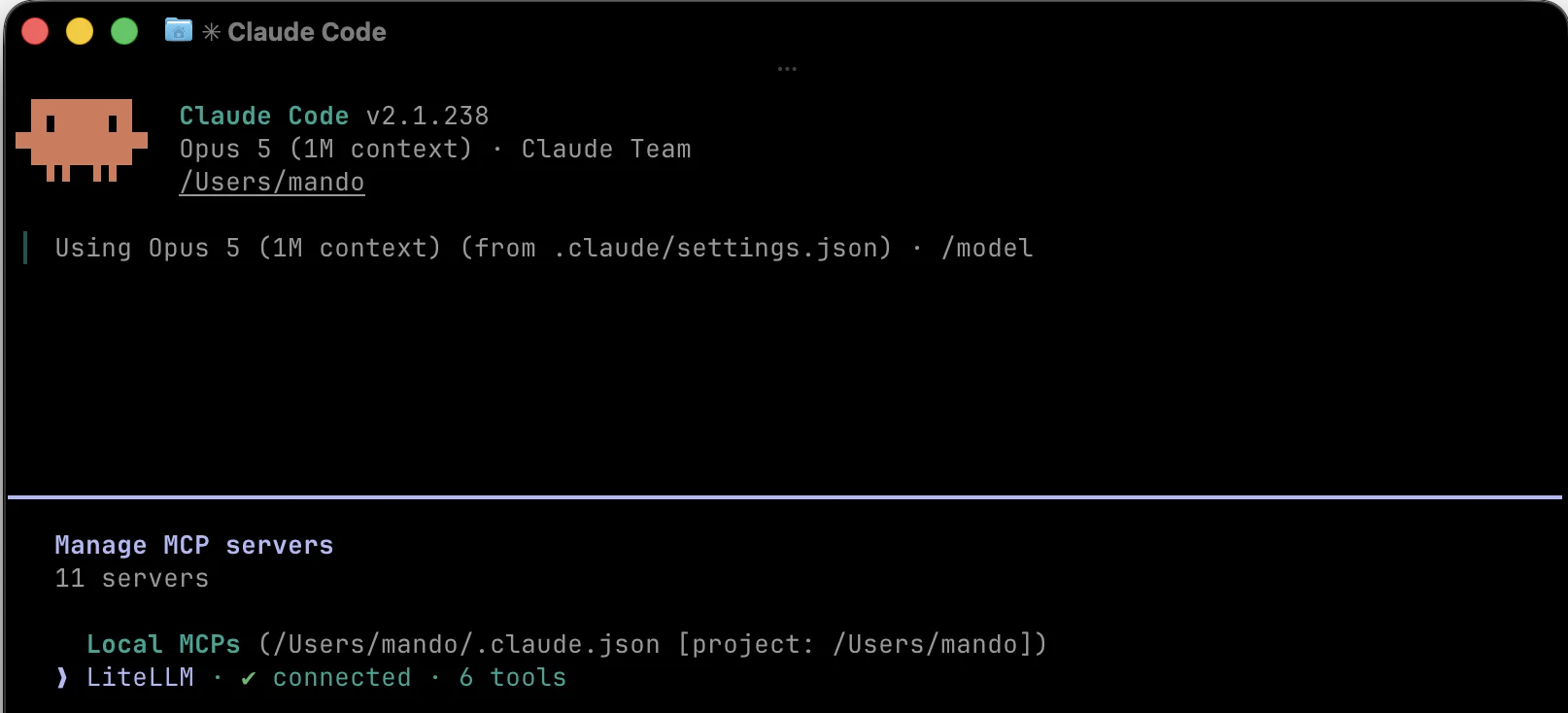
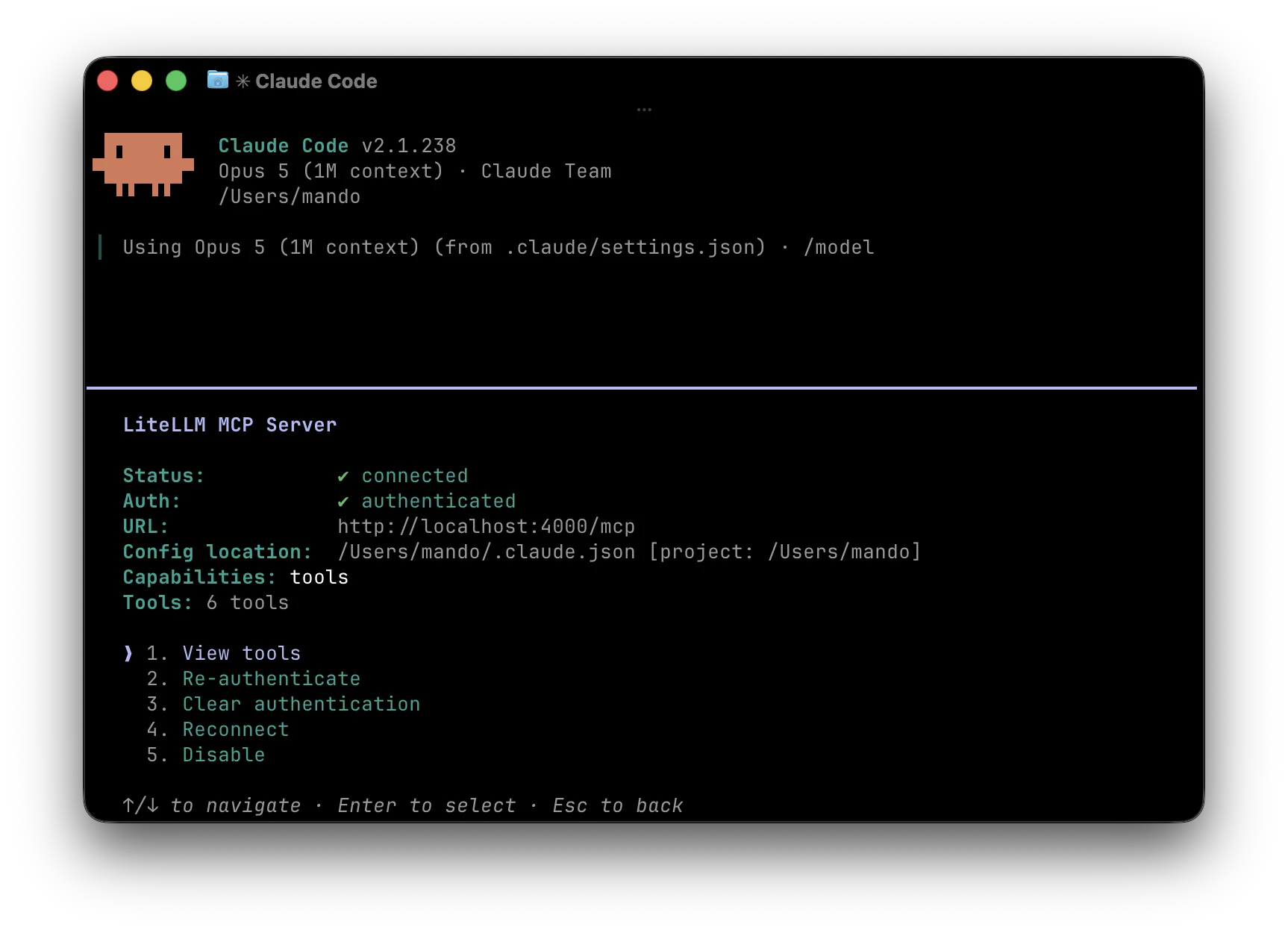
localhost:4000/mcp.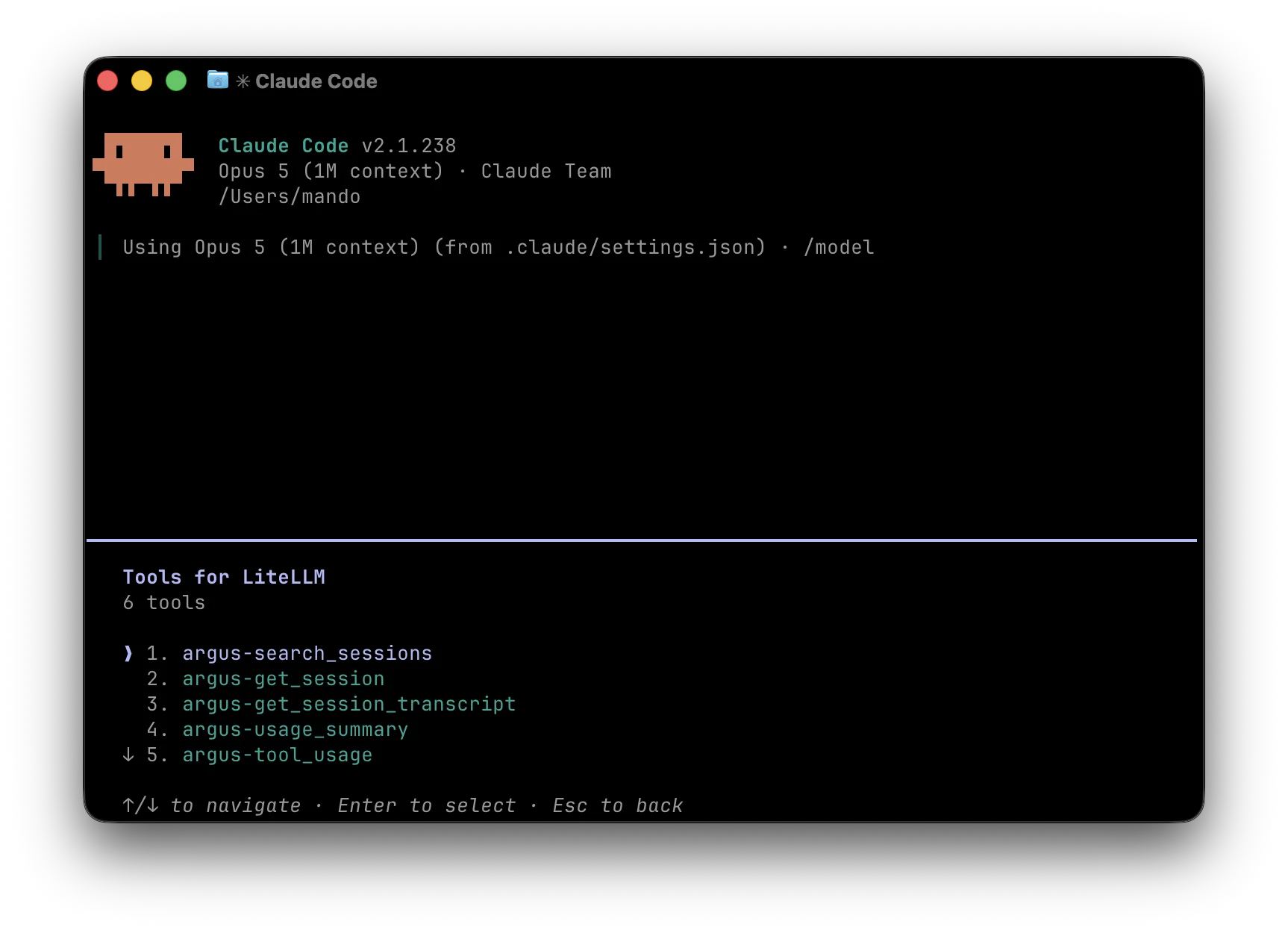
argus-*.Relatively easy-peasy!
Ready to deploy your own agents?
Book a discovery call and let's talk through your use case.
Book a Discovery Call